Rendering
Enscape for Mac (2026): What Works, What Doesn't
Enscape runs on Mac — but only on Apple Silicon, and only with certain apps. Here's exactly what works, what doesn't, and what to do if you're on an Intel Mac.
· 5 min read
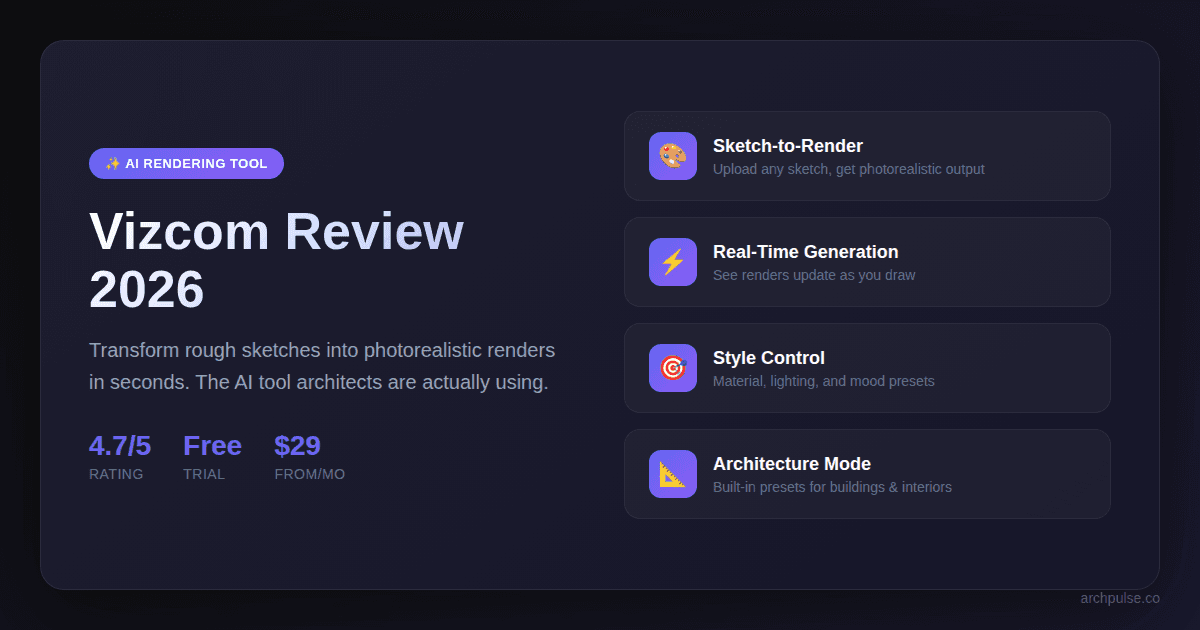
Hands-on review of Vizcom AI for architects and interior designers. We cover the free tier, pricing, sketch-to-render workflow, and whether it's worth the subscription in 2026.
Vizcom is an AI-powered sketch-to-render tool that transforms rough hand drawings into photorealistic visualizations in seconds. Yes, Vizcom has a free tier, you get 10 renders per month at 720p resolution with watermarks. The Pro plan costs $29/month and removes all limits. For architects, Vizcom excels at early-stage concept visualization when you need to show clients ideas quickly without building full 3D models. It's not a replacement for Enscape or Lumion (which render from BIM models), but a fast ideation tool for the sketch phase.
Vizcom is an AI rendering platform built specifically for designers. Unlike general-purpose AI image generators like Midjourney or DALL-E, Vizcom is designed around a sketch-first workflow, you upload a hand-drawn concept, and the AI transforms it into a photorealistic render while preserving your original composition and intent.
The tool launched in 2022 and has become popular among industrial designers, architects, and interior designers who want to visualize concepts without spending hours in 3D modeling software.
Key facts:
Vizcom is an AI-powered sketch-to-render tool that transforms rough hand drawings into photorealistic visualizations in seconds. Yes, Vizcom has a free tier — you get 10 renders per month at 720p resolution with watermarks. The Pro plan costs $29/month and removes all limits. For architects, Vizcom excels at early-stage concept visualization when you need to show clients ideas quickly without building full 3D models. It's not a replacement for Enscape or Lumion (which render from BIM models), but a fast ideation tool for the sketch phase.

Vizcom's workflow is designed to be fast. Here's the process:

Step 1 — Sketch your concept Draw your design on paper, iPad, or directly in Vizcom's built-in canvas. The quality doesn't need to be high — rough lines work fine.
Step 2 — Upload to Vizcom Drag and drop your sketch into the Vizcom canvas. The AI analyzes the shapes and composition automatically.
Step 3 — Choose your style Select materials (wood, concrete, glass), lighting conditions (daylight, golden hour, studio), and mood presets. Vizcom has architecture-specific presets built in.
Step 4 — Generate render Click render and wait 5-10 seconds. The AI produces a photorealistic image based on your sketch while preserving the original composition.
Real-time iteration: The magic of Vizcom is that you can adjust sliders and see changes in real-time without waiting for a full re-render. This makes exploring material and lighting options extremely fast.
Yes, Vizcom offers a free tier, but it has limitations. Here's the full breakdown:

Free Plan ($0/month)
Pro Plan ($29/month)
Team Plan ($79/user/month)
My recommendation: Start with the free tier to test whether Vizcom fits your workflow. If you're using it for client presentations, the Pro plan is worth it — watermarks look unprofessional, and 4K exports are necessary for printed boards.
Annual discount: Paying yearly saves roughly 20% compared to monthly billing.
After testing Vizcom on multiple architecture projects, here's my honest assessment:

Pros:
Instant sketch-to-render workflow — This is Vizcom's core strength. Upload any hand sketch and get a photorealistic output in under 10 seconds. No 3D modeling required. This is perfect for early-stage concepts when you're still exploring ideas.
Architecture-specific presets — Unlike Midjourney where you need to craft prompts, Vizcom has built-in materials (concrete, wood, glass, brick) and lighting presets (daylight, overcast, golden hour) designed for architectural visualization.
Real-time iteration — Change materials or lighting and see results instantly. This is much faster than traditional render engines where each change requires a new render.
Free tier actually usable — 10 renders per month is enough to test the tool properly before committing. Many "free tiers" give you 1-2 renders, which isn't enough to evaluate anything.
Cons:
No CAD or BIM integration — You cannot import models from Revit, SketchUp, Rhino, or any 3D software. Vizcom only works from 2D images. If you need renders from your BIM model, use Enscape or Lumion instead.
Limited geometric control — The AI interprets your sketch, and sometimes it adds or removes elements you didn't intend. For precise architectural drawings, this can be frustrating.
Web-only platform — No desktop app. You need a stable internet connection, and very large images can be slow to upload.
Watermarks on free tier — The free version stamps "Vizcom" on your exports. Fine for personal testing, but not usable for client presentations.
Based on testing, Vizcom works best for:
Early-stage client presentations When you have a concept but no 3D model yet, Vizcom lets you show photorealistic intent without spending days in SketchUp. Sketch on paper, render in Vizcom, present to client — all in the same meeting.
Competition concepts Architecture competitions often require quick visualization of multiple schemes. Vizcom lets you explore 5-10 directions in an hour rather than building 5-10 models.
Interior mood boards For interior design projects, Vizcom can transform rough room sketches into styled visualizations with specific materials and lighting. This is faster than building each option in 3D.
Design reviews When you need to show a rough idea to colleagues for feedback, a Vizcom render communicates intent much better than a pencil sketch alone.
Where Vizcom doesn't work:
Step 1: Go to vizcom.ai and create a free account Step 2: Upload a sketch or draw directly in the canvas Step 3: Select architecture preset styles Step 4: Click "Render" and download the result
The interface is intuitive — most architects figure it out in under 5 minutes without tutorials.
Is Vizcom free? Yes, Vizcom has a free tier with 10 renders per month at 720p resolution. Exports are watermarked. The Pro plan ($29/month) removes limits and watermarks.
Can I use Vizcom for commercial projects? Yes, but only with a paid subscription. The free tier does not include a commercial license. Pro and Team plans include full commercial rights.
Does Vizcom work with Revit or SketchUp? No. Vizcom does not import 3D models. It only works from 2D images and sketches. For BIM-to-render workflows, use Enscape, Lumion, or Twinmotion instead.
Is Vizcom better than Midjourney for architecture? For sketch-to-render workflows, yes. Vizcom preserves your composition and has architecture presets built in. Midjourney is better for generating ideas from text prompts when you don't have a specific composition in mind.
Can I use Vizcom on iPad? Yes. Vizcom is web-based and works in Safari on iPad. You can sketch in Procreate, export, and upload to Vizcom in the browser.
How long does a render take? Typically 5-10 seconds for a single render. Priority rendering on paid plans is faster.
Does Vizcom support video or animation? No. Vizcom only produces still images. For video walkthroughs, use Lumion or Twinmotion.
Yes, if you work in the early design stages. Vizcom fills a specific gap — the time between napkin sketch and 3D model when you need to communicate ideas quickly. For $29/month, it can save hours of 3D modeling when exploring concepts.
No, if you need final presentation renders. Vizcom's output quality is good but not studio-grade. For final competition boards or client deliverables, you'll still need Enscape, Lumion, or V-Ray renders from proper 3D models.
The free tier is genuinely useful. Unlike many AI tools with crippled free versions, Vizcom's 10 renders/month is enough to test whether it fits your workflow before paying.
Bottom line: Add Vizcom to your toolkit for the concept phase. Use it alongside (not instead of) your existing render pipeline.
Vizcom isn't the only AI rendering option. Here's how it compares to alternatives:

Vizcom vs Midjourney Vizcom is better for sketch-based workflows — upload your drawing and preserve the composition. Midjourney is better for pure ideation from text prompts and produces higher photorealism, but has no sketch input. Use Vizcom for concept visualization, Midjourney for inspiration.
Vizcom vs DALL-E 3 DALL-E 3 is more accessible (built into ChatGPT) but lacks architecture-specific presets and has weaker sketch interpretation. Vizcom produces more consistent results for building designs.
Vizcom vs Stable Diffusion Stable Diffusion is free and more customizable, but requires technical setup. Vizcom is plug-and-play. For architects who want results without learning ControlNet and ComfyUI, Vizcom is the faster path.
Vizcom vs Interior AI Interior AI is designed specifically for room redesigns from photos. It's better for interior staging and virtual renovations. Vizcom is better for new concepts from scratch.
Vizcom vs Enscape/Lumion These are completely different categories. Enscape and Lumion render from 3D BIM models. Vizcom renders from 2D sketches. They serve different stages of the design process — Vizcom for early concepts, Enscape/Lumion for developed designs.
Is Vizcom free? Yes, Vizcom has a free tier with 10 renders per month at 720p resolution. Exports are watermarked. The Pro plan ($29/month) removes limits and watermarks.
Can I use Vizcom for commercial projects? Yes, but only with a paid subscription. The free tier does not include a commercial license. Pro and Team plans include full commercial rights.
Does Vizcom work with Revit or SketchUp? No. Vizcom does not import 3D models. It only works from 2D images and sketches. For BIM-to-render workflows, use Enscape, Lumion, or Twinmotion instead.
Is Vizcom better than Midjourney for architecture? For sketch-to-render workflows, yes. Vizcom preserves your composition and has architecture presets built in. Midjourney is better for generating ideas from text prompts when you don't have a specific composition in mind.
Can I use Vizcom on iPad? Yes. Vizcom is web-based and works in Safari on iPad. You can sketch in Procreate, export, and upload to Vizcom in the browser.
How long does a render take? Typically 5-10 seconds for a single render. Priority rendering on paid plans is faster.
Does Vizcom support video or animation? No. Vizcom only produces still images. For video walkthroughs, use Lumion or Twinmotion.
Yes, if you work in the early design stages. Vizcom fills a specific gap — the time between napkin sketch and 3D model when you need to communicate ideas quickly. For $29/month, it can save hours of 3D modeling when exploring concepts.
No, if you need final presentation renders. Vizcom's output quality is good but not studio-grade. For final competition boards or client deliverables, you'll still need Enscape, Lumion, or V-Ray renders from proper 3D models.
The free tier is genuinely useful. Unlike many AI tools with crippled free versions, Vizcom's 10 renders/month is enough to test whether it fits your workflow before paying.
Bottom line: Add Vizcom to your toolkit for the concept phase. Use it alongside (not instead of) your existing render pipeline.
Share this article
Enscape runs on Mac — but only on Apple Silicon, and only with certain apps. Here's exactly what works, what doesn't, and what to do if you're on an Intel Mac.
Enscape is a real-time rendering plugin that turns your Revit or SketchUp model into a photorealistic walkthrough — live, inside your design software. Here's what it does, who it's for, and how it compares.
Enscape isn't free for students, but the education license gets you the full software plus all its AI tools for a fraction of the commercial price. Here's what's included and how to qualify.