Revit Keyboard Shortcuts: The Cheat Sheet Worth Memorizing (2026)
Revit's shortcuts are two-letter codes you type without even pressing Enter, and learning the common ones is the fastest way to speed up. Here's the cheat sheet, grouped by task, plus how to make your own.
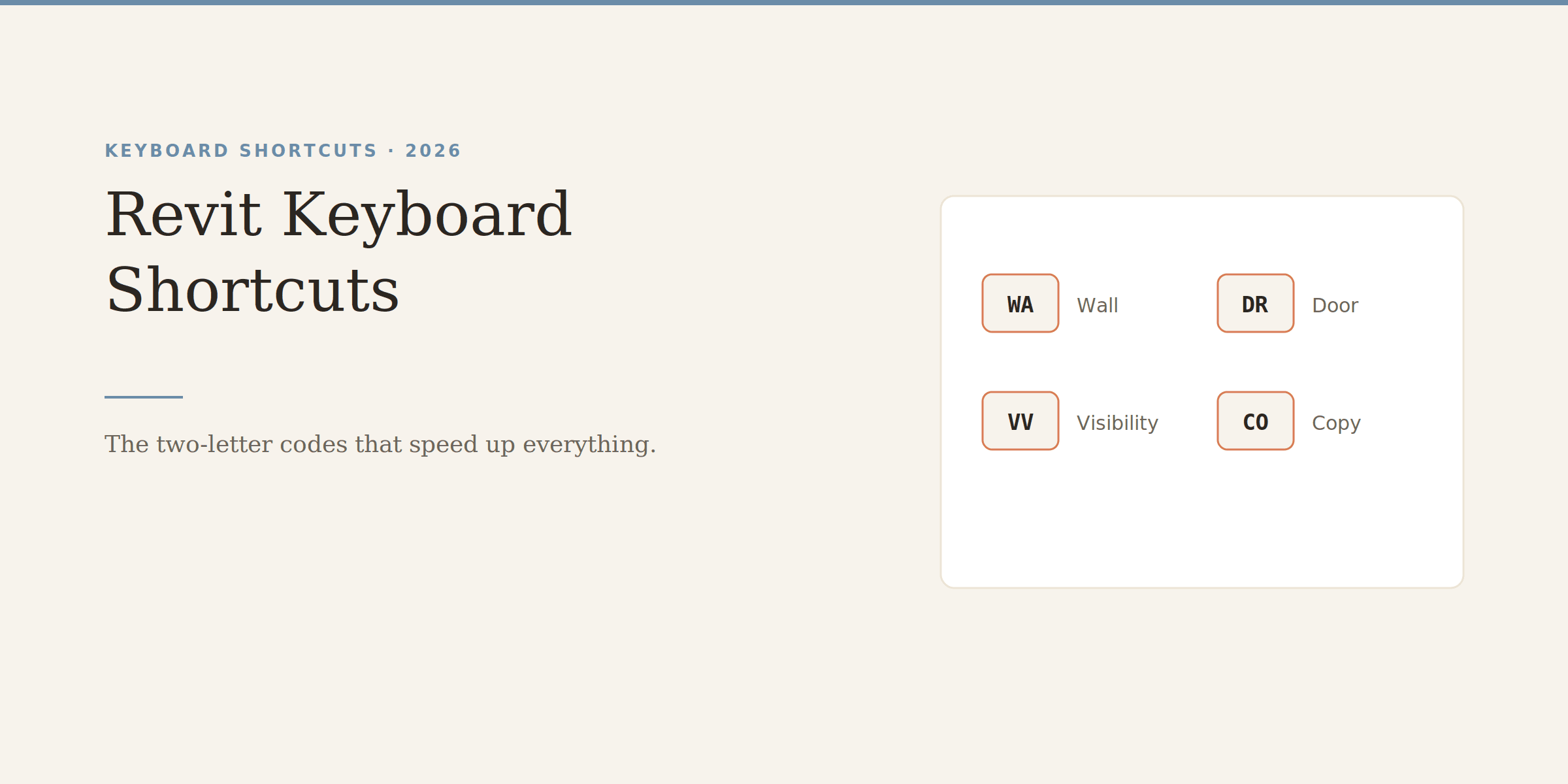
Revit shortcuts work a little differently from most software, and once it clicks, you'll wonder how you ever worked without them. Instead of holding Ctrl and a key, you just type two letters — WA for Wall, DR for Door — and the tool activates. No Enter needed. It feels strange for about a day, and then it becomes second nature and your hands basically stop leaving the keyboard.
Here's the cheat sheet of the ones actually worth learning, grouped by what you're doing rather than dumped in one long alphabetical list. You'll pick these up faster this way.
Quick note before the list, because it trips up newcomers: Revit shortcuts are usually two letters typed in sequence, and they fire the moment you finish typing — you don't press Enter. Type W then A and the Wall tool is active. This is why they're so fast once learned: your fingers stay on the keys and your eyes stay on the model.
If you ever forget one, hover over any tool in the ribbon and Revit shows its shortcut in the tooltip. That's the easiest way to learn them gradually — just glance at the tooltip each time until it sticks.
WA and DR alone will save you countless trips to the ribbon — walls and doors are the things you place most, so these are the first two to commit to memory.
Controlling what you see — arguably where shortcuts save the most time, because you switch views constantly:
Shortcut
Action
VV or VG
Visibility/Graphics
ZE
Zoom Extents
ZF
Zoom to Fit
WT
Tile Windows
WC
Cascade Windows
HH
Hide Element
HC
Hide Category
EOH
Toggle Reveal Hidden
VV (Visibility/Graphics) is the one to burn into memory. You'll open that dialog hundreds of times to control what shows in a view, and typing VV is far faster than hunting for it.
Revit lets you customize every shortcut, and it's worth doing for the tools you reach for constantly. Go to View → User Interface → Keyboard Shortcuts (or type KS, fittingly). From there you can search any command and assign your own key sequence. A common move is giving a favorite plugin or a frequently-used tool a short, easy code so it's as fast as the built-in ones.
One tip: don't try to memorize all of these at once. Pick the five or six you'd use most — probably WA, DR, MV, CO, VV, and ZE — and force yourself to use them for a week. They'll be automatic before you know it, and you can add more from there.
Revit LT is the cheaper version, but 'cheaper' comes with real trade-offs. Here's exactly what you give up, who LT actually suits, and why it doesn't save you anything on hardware.
Autodesk's minimum specs will technically open Revit and then make you miserable. Here's what actually runs it well in 2026, the simple RAM rule that saves you, and why Revit still doesn't run on a Mac.
Revit runs about $2,915 a year, but that headline number hides a lot. Here's what you'll actually pay across monthly, annual, and the AEC Collection, plus the costs nobody puts on the pricing page.