How Much Does Revit Cost? (2026 Pricing, Explained)
Revit runs about $2,915 a year, but that headline number hides a lot. Here's what you'll actually pay across monthly, annual, and the AEC Collection, plus the costs nobody puts on the pricing page.
If you've just started looking into Revit, the price probably gave you pause. And honestly, it should — Revit is one of the more expensive tools an architect will pay for, and the number you see first isn't the whole story. Let me walk you through what it actually costs in 2026, because there are a few things Autodesk's pricing page doesn't make obvious.
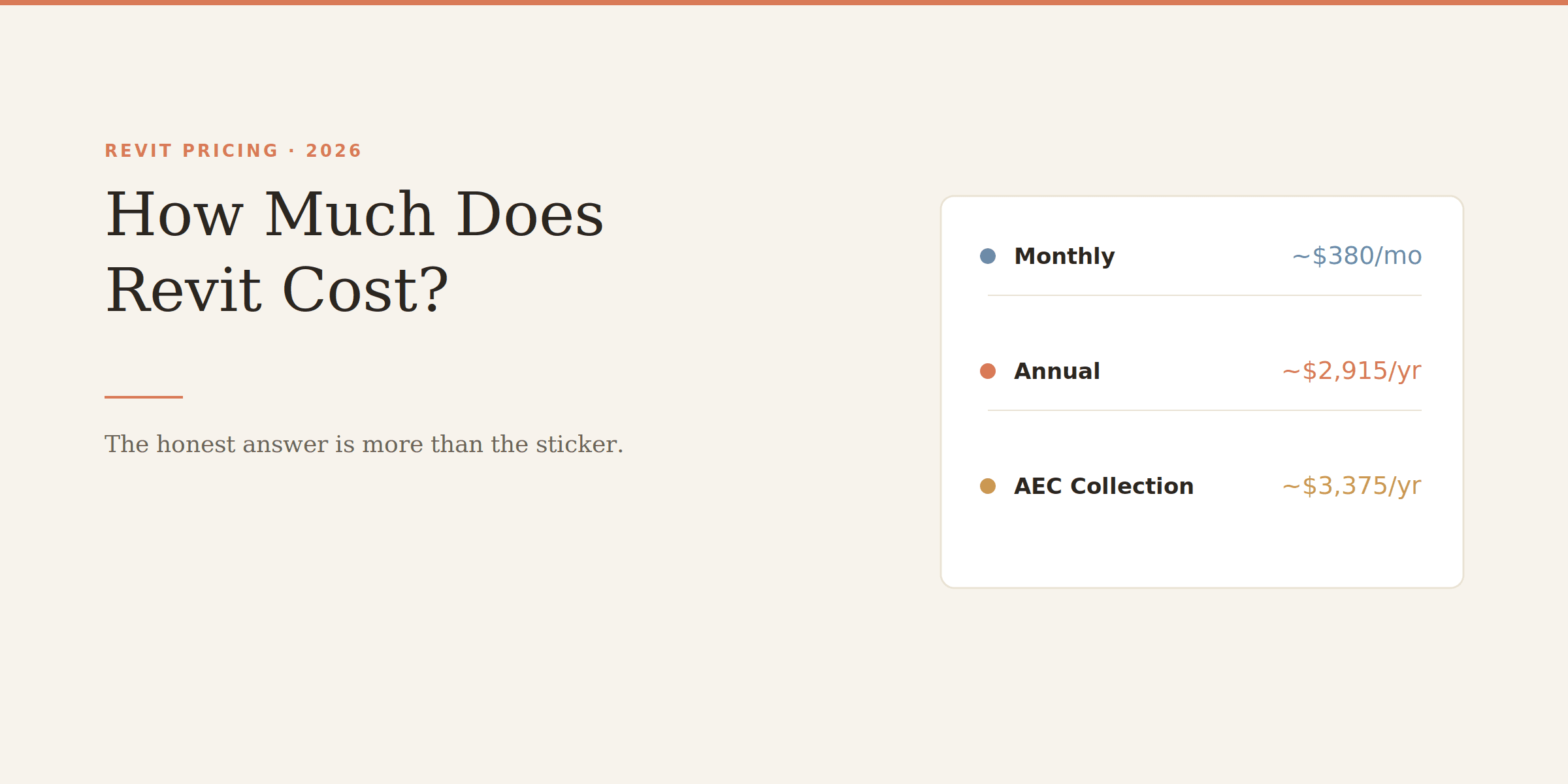
The short version: a standalone Revit subscription is roughly $2,915 a year, or about $380 a month if you pay monthly. But which of those you choose matters more than you'd think, and there's a bigger bundle most firms end up on instead.
Revit is sold as a named-user subscription now. That means the license is tied to a person, not a machine, and it travels with their Autodesk account. There's no perpetual license anymore — Autodesk retired those a while back, so buying Revit once and owning it forever simply isn't an option.
Here's how the pricing breaks down:
Plan
Price
Works out to
Monthly
~$380/month
~$4,560/year
Annual
~$2,915/year
The standard choice
3-year
locks the rate
Best long-term value
AEC Collection
~$3,375/year
Revit + AutoCAD + more
These are Autodesk US list prices for 2026. They vary by region, and larger teams often negotiate below list, so treat them as a starting point and confirm on Autodesk's site.
Here's the thing worth noticing: paying monthly costs you about $1,600 more per year than the annual plan. Monthly is genuinely useful — for a single project, temporary staff, or trying Revit before committing — but if you're going to use it all year, monthly is an expensive way to keep your options open.
This surprises people. The standalone Revit subscription exists, but a lot of architecture firms end up on the AEC Collection instead, at around $3,375 a year. For roughly $460 more than standalone Revit, you also get AutoCAD, Civil 3D, Navisworks, 3ds Max, Forma, and Autodesk's rendering tools.
If you only ever touch Revit, the standalone plan is fine. But the moment you need AutoCAD alongside it — and most practices do — the Collection is better value than buying the two separately. Worth doing the math on your actual toolset before defaulting to standalone.
There's one more path worth knowing about. Autodesk Flex is pay-as-you-go: you buy tokens and spend them only on the days you actually open Revit. For someone who dips into Revit a handful of days a month, Flex can genuinely come out cheaper than a full subscription. For a daily user, it's far more expensive — the tokens burn fast. So it's a niche option, but a real one if your Revit use is sporadic.
No, and this catches a lot of people out. Unlike SketchUp or Blender, Revit has no free tier and no permanent free version. What exists:
A free trial (30 days) to evaluate it
Free student and educational licenses for anyone enrolled at a qualifying institution — genuinely free for the duration of your studies, which is a real path if you're learning
If your budget is zero and you're not a student, Revit isn't the tool — you'd be looking at something like FreeCAD or Blender instead, which we cover in our guide to the best AI tools for architects.
The subscription is just the start. Budget for these too:
A machine that can run it. Revit is demanding, and a workstation that handles it comfortably isn't cheap. Check what you actually need in our Revit system requirements guide before assuming your current computer is up to it — the hardware can cost more than a year of the subscription.
Rendering, if you want it. Revit's built-in rendering is basic. For client-quality visuals, most people add Enscape (~$575/year), D5, or a similar tool on top. That's another line item.
Training. Revit has a real learning curve, and firms often spend on courses to get people productive. Not a small cost when you multiply it across a team.
For a practice doing serious BIM work, yes — Revit is the industry standard for a reason, and the coordination and documentation it enables are hard to replicate elsewhere. But it's a genuine commitment: the subscription, the hardware, the rendering add-ons, and the training add up to well beyond the sticker price. Go in knowing the full number, not just the $2,915.
If that total gives you second thoughts, it's worth looking at what else is out there before committing — Revit LT is a cheaper cut of the same tool, and there are lighter BIM options entirely.
Revit LT is the cheaper version, but 'cheaper' comes with real trade-offs. Here's exactly what you give up, who LT actually suits, and why it doesn't save you anything on hardware.
Revit's shortcuts are two-letter codes you type without even pressing Enter, and learning the common ones is the fastest way to speed up. Here's the cheat sheet, grouped by task, plus how to make your own.
Autodesk's minimum specs will technically open Revit and then make you miserable. Here's what actually runs it well in 2026, the simple RAM rule that saves you, and why Revit still doesn't run on a Mac.