Rendering
Enscape for Mac (2026): What Works, What Doesn't
Enscape runs on Mac — but only on Apple Silicon, and only with certain apps. Here's exactly what works, what doesn't, and what to do if you're on an Intel Mac.
· 5 min read
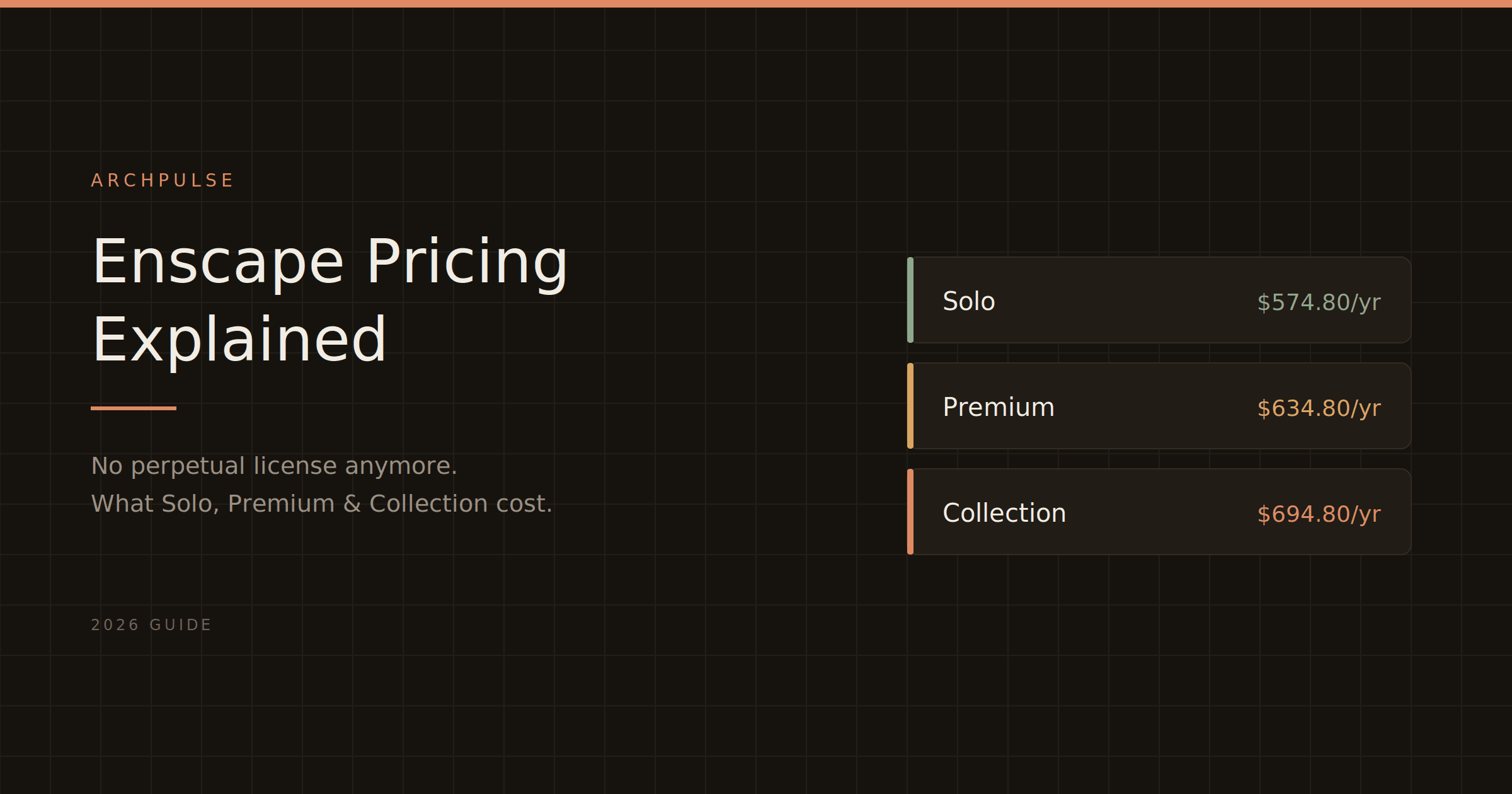
Enscape's pricing looks simple until you notice the plugin is only half the bill. Here's what Solo, Premium and the Collection actually cost in 2026, plus the hidden costs nobody mentions.
Enscape's pricing looks simple until you notice two things: the plan names changed, and the plugin is only half of what you'll actually pay. Chaos restructured the whole thing in mid-2025, retired the old "Fixed Seat" and "Floating" terminology, and — this is the one that stings — discontinued perpetual licenses entirely. There's no one-time purchase anymore. Everything is a subscription.
So if you're trying to budget for Enscape in 2026, here's the honest, complete picture: what each tier costs, what's hidden, and when it's worth it.
| Plan | Named user / year | Monthly | What you get |
|---|---|---|---|
| Enscape Solo | $574.80 | $87.30/mo | Core real-time rendering, one user |
| Enscape Premium | $634.80 | — | Adds Veras AI integration |
| Premium (floating) | $994.80 | — | Shared license across a team |
| ArchDesign Collection | $694.80 | — | Enscape + Veras + Envision + Impact |
| Collection (floating) | $1,138.80 | — | Full bundle, shared |
Prices in USD from Chaos, 2026. Verify on the vendor page before buying — Chaos adjusts these and regional (EUR/GBP) pricing differs.
Solo at $574.80/year is the entry point and where most individual architects land. It's the full rendering feature set for one named user.
Premium at $634.80/year adds the Veras AI integration for a $60 difference. Only worth it if you're actively generating AI design concepts — otherwise Solo covers day-to-day visualization completely.
The Collection at $694.80/year bundles Enscape with Veras, Envision (cinematic storytelling), and Impact (building performance metrics). Genuinely useful if you're pursuing LEED or presenting energy data; overkill for standard rendering.
This is where the "$575 a year" number gets misleading.
You need a host application. Enscape is a plugin. It runs inside Revit, SketchUp, Rhino, Archicad, or Vectorworks — and you have to license one of those separately. If you're paying for Revit or a SketchUp subscription already, fine. If not, that's a second, often larger, bill on top.
You need a real GPU. Enscape renders on your graphics card, and it needs a dedicated one with at least 4GB VRAM (8GB+ realistically). Integrated Intel graphics won't run it. If your machine isn't already equipped, factor in a graphics card or a new workstation — a cost that can dwarf the subscription.
So the honest framing: the sticker is ~$575/year, but the real cost of an Enscape workflow is that plus a CAD/BIM license plus capable hardware. For a firm already running Revit on decent workstations, Enscape is a small add-on. For someone starting from nothing, it's the cheapest line item in a much bigger setup.
No permanent free tier. Chaos offers a 14-day free trial with the full feature set, and students get a heavily discounted education license (covered in our separate guide). But there's no ongoing free plan — after the trial, you subscribe or you stop.
For firms doing daily real-time design reviews inside Revit or SketchUp, Enscape pays for itself — the in-model workflow (click a button, a live render opens beside your model) saves real time on every project and every client approval. That tight loop is the whole value proposition.
If your actual need is just fast, photorealistic client images a few times a month, price the alternatives first. D5 Render Pro runs about $360/year, Twinmotion is free under $1M revenue, and both produce excellent output — see our best AI rendering tools guide for the full comparison. Enscape earns its premium on workflow integration, not on raw render quality.
Before you commit, check your hardware against Enscape's system requirements — the GPU is where most people get caught out. Students should read our guide to the Enscape student license, which is dramatically cheaper.
And for the full field of rendering options at every price point, see the best AI rendering tools for architects.
Share this article
Enscape runs on Mac — but only on Apple Silicon, and only with certain apps. Here's exactly what works, what doesn't, and what to do if you're on an Intel Mac.
Enscape is a real-time rendering plugin that turns your Revit or SketchUp model into a photorealistic walkthrough — live, inside your design software. Here's what it does, who it's for, and how it compares.
Enscape isn't free for students, but the education license gets you the full software plus all its AI tools for a fraction of the commercial price. Here's what's included and how to qualify.