Rendering
Enscape for Mac (2026): What Works, What Doesn't
Enscape runs on Mac — but only on Apple Silicon, and only with certain apps. Here's exactly what works, what doesn't, and what to do if you're on an Intel Mac.
· 5 min read
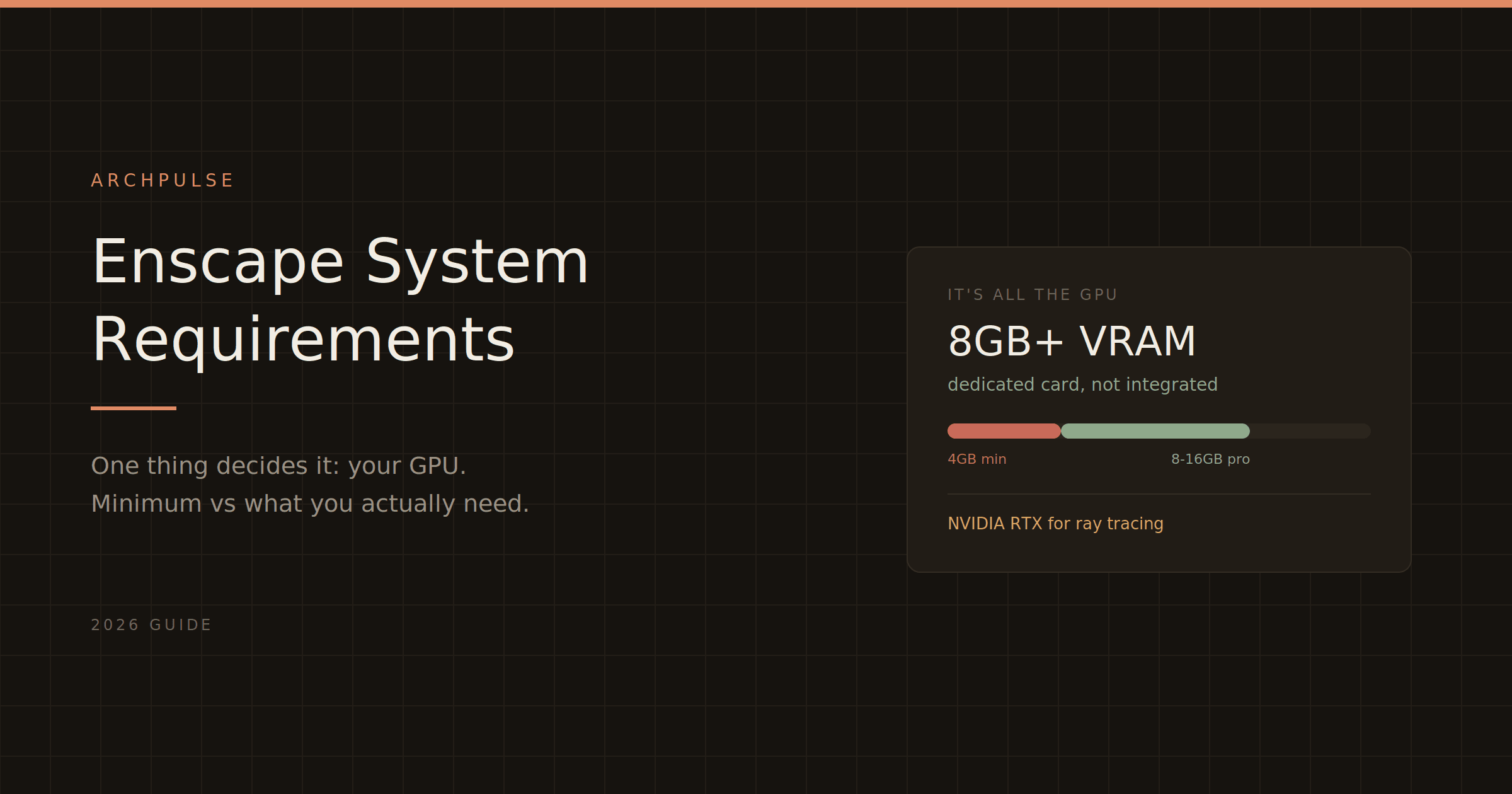
Enscape's system requirements come down to one thing: your GPU. Here are the real minimum and recommended specs for 2026, what runs it, what won't, and the Mac situation.
If you're checking Enscape's system requirements before buying, here's the short version: it almost entirely comes down to your graphics card. Enscape renders on the GPU, and if your GPU isn't up to it, the software either won't launch or will run so poorly it's unusable. Everything else — CPU, RAM — matters far less. So this guide leads with the part that actually decides whether Enscape works on your machine.
Enscape needs a dedicated graphics card with dedicated VRAM. This is the make-or-break requirement. Integrated graphics — Intel UHD, or any shared-memory setup — do not meet the requirements and won't run it properly.
| Component | Minimum | Recommended |
|---|---|---|
| GPU VRAM | 4GB dedicated | 8GB+ (12–16GB safe) |
| GPU type | NVIDIA GTX 900 / AMD RX 400 or higher, Vulkan 1.1 | NVIDIA RTX (for ray tracing) |
| RAM | 16GB | 16GB+ |
| CPU | Anything that runs Revit | High clock speed (single-threaded) |
| VR | 8GB VRAM minimum | 12GB VRAM |
On VRAM, the honest truth: 4GB is the technical minimum, but it will barely get you through simple scenes. When your scene exceeds available VRAM, performance collapses — stuttering, slow navigation, failed renders. And unlike RAM, you can't add more VRAM; it means a whole new card. So treat 8GB as the real floor and 12–16GB as comfortable for professional work.
Ray tracing is NVIDIA-only. Hardware ray tracing — which meaningfully improves lighting and shadows — is fully available only on NVIDIA RTX cards. AMD cards run Enscape fine but won't deliver the same ray-traced realism. If ray tracing matters to you, buy NVIDIA RTX. (Note: DLSS and ray tracing are not supported on the GTX 1660, T1000, or T2000 even though they're NVIDIA.)
CPU barely matters. Enscape is largely single-threaded and GPU-bound. A high clock speed helps loading times, but a high core count does almost nothing for Enscape. Don't overspend on the CPU — put the budget in the GPU.
This trips a lot of people up, so it's worth being blunt:
Enscape only runs on Apple Silicon Macs — M1, M2, M3, M4. If you have a MacBook Pro, iMac, or Mac Studio from 2020 or later with an M-series chip, you're fine; Enscape relies on the Apple Silicon GPU and Unified Memory.
Intel Macs are not supported at all. Not natively, not through Boot Camp, not through Parallels. If you're on an older Intel Mac, Enscape simply won't run — you'd need to upgrade the hardware or look at a cloud-based alternative.
Windows 11 is supported (Windows 11 ARM is not officially supported and untested). The installer checks for dependencies like .NET Framework and prompts to install anything missing.
Known Revit conflicts: uninstall the Colorizer and Techviz plugins before running Enscape — they're known to cause issues.
Wired internet helps. Enscape recommends a direct cable connection over Wi-Fi, because the Asset Library loads faster on a stable wired connection.
Before you buy Enscape, check one thing above all: do you have a dedicated GPU with at least 8GB of VRAM? If yes, and your machine already runs Revit or SketchUp comfortably, Enscape will run. If you're on integrated graphics or an Intel Mac, it won't — and that hardware upgrade is a bigger cost than the Enscape subscription itself.
Once you know your hardware is ready, see Enscape pricing explained for the real cost including the host-app requirement. If your machine can't run Enscape, the best AI rendering tools guide covers cloud and lighter-weight alternatives.
Share this article
Enscape runs on Mac — but only on Apple Silicon, and only with certain apps. Here's exactly what works, what doesn't, and what to do if you're on an Intel Mac.
Enscape is a real-time rendering plugin that turns your Revit or SketchUp model into a photorealistic walkthrough — live, inside your design software. Here's what it does, who it's for, and how it compares.
Enscape isn't free for students, but the education license gets you the full software plus all its AI tools for a fraction of the commercial price. Here's what's included and how to qualify.