Rendering
Enscape for Mac (2026): What Works, What Doesn't
Enscape runs on Mac — but only on Apple Silicon, and only with certain apps. Here's exactly what works, what doesn't, and what to do if you're on an Intel Mac.
· 5 min read
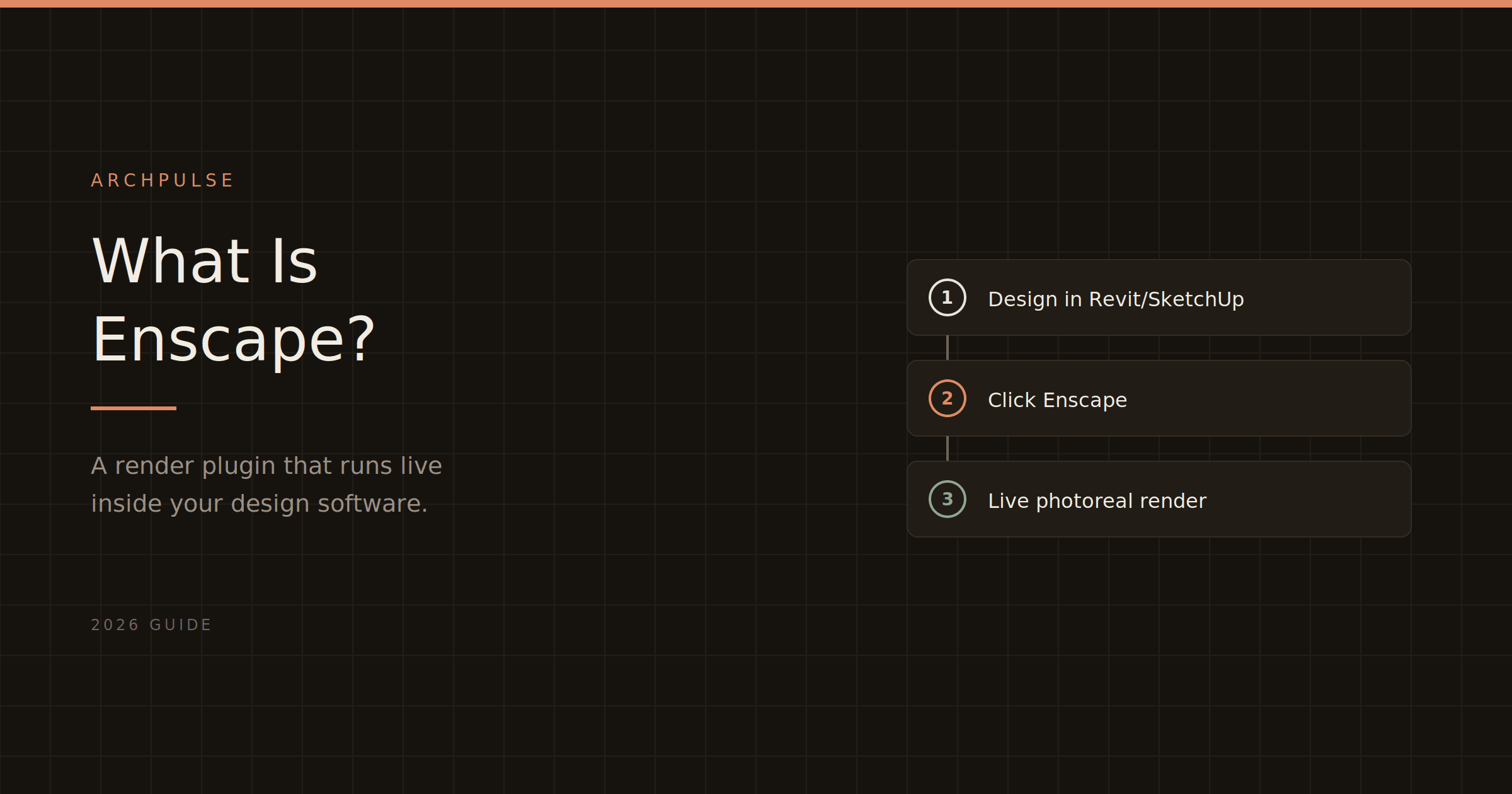
Enscape is a real-time rendering plugin that turns your Revit or SketchUp model into a photorealistic walkthrough — live, inside your design software. Here's what it does, who it's for, and how it compares.
If you've seen architects talk about Enscape and wondered what it actually is, here's the plain version: Enscape is a real-time rendering plugin that turns your 3D model into a photorealistic image or walkthrough — live, right inside the software you're already designing in. You click a button in Revit or SketchUp, and a rendered view of your model opens next to it. Move something in your model, and the render updates instantly.
That "inside your design software, in real time" part is the whole idea, and it's what makes Enscape different from most other rendering tools. Let me unpack what that means and whether it's the right tool for you.
Enscape is a plugin, not a standalone application. It installs into your existing CAD or BIM software — Revit, SketchUp, Rhino, Archicad, or Vectorworks — and adds a render button. When you click it, Enscape reads your model and produces a real-time, photorealistic rendering you can walk through, adjust, and export.
The core things it gives you:
The value is speed and immediacy. Because it lives inside your design tool and renders live, you're not exporting your model to a separate program and waiting — you see the photorealistic result as you design.
Enscape is built for architects and designers who want fast, presentation-ready visuals during the design process — not just at the end. It's especially strong for:
It's less suited to someone who only needs the occasional hero image and doesn't work inside a supported CAD/BIM tool — for that, a standalone renderer might fit better.
Enscape's defining trait is being a plugin that renders live inside your model. That's the key contrast with the alternatives:
So the choice usually comes down to workflow: if you want to render while you design without leaving your software, Enscape's plugin model is the draw. If you want a separate powerhouse for final presentation images, a standalone tool competes. Our best AI rendering tools guide compares all of them with current pricing.
Enscape is subscription-only in 2026 — no free tier, no perpetual license. Solo is about $575/year, with a 14-day free trial and heavily discounted student licenses. Full details in Enscape pricing explained. And before buying, note it needs a dedicated GPU — see system requirements.
Enscape is the fastest way to get from a CAD/BIM model to a photorealistic, walkable render without leaving your design software. If you work in Revit or SketchUp and want visualization to be part of designing rather than a separate chore, that's exactly what it's built for. If you want a free start or a standalone powerhouse, the alternatives are worth comparing first.
See what Enscape costs in Enscape pricing explained, check your hardware against the system requirements, and compare the whole field in the best AI rendering tools for architects.
Share this article
Enscape runs on Mac — but only on Apple Silicon, and only with certain apps. Here's exactly what works, what doesn't, and what to do if you're on an Intel Mac.
Enscape isn't free for students, but the education license gets you the full software plus all its AI tools for a fraction of the commercial price. Here's what's included and how to qualify.
Enscape's system requirements come down to one thing: your GPU. Here are the real minimum and recommended specs for 2026, what runs it, what won't, and the Mac situation.