Rendering
Enscape for Mac (2026): What Works, What Doesn't
Enscape runs on Mac — but only on Apple Silicon, and only with certain apps. Here's exactly what works, what doesn't, and what to do if you're on an Intel Mac.
· 5 min read
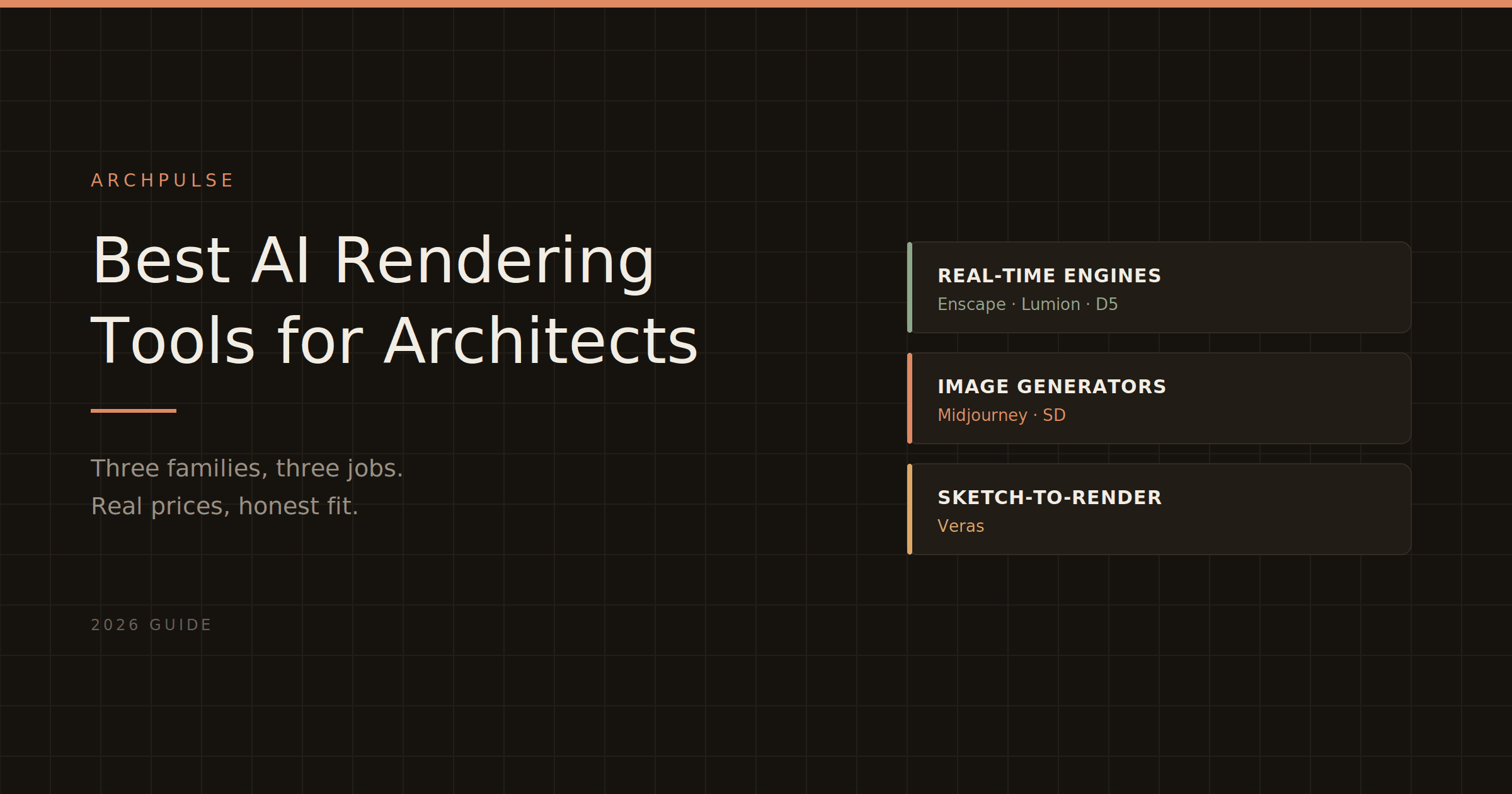
Real-time engines, AI image generators, and sketch-to-render tools all get lumped together as 'AI rendering.' They do very different jobs. Here's how they actually compare, with real 2026 pricing and honest guidance on which fits your work.
"AI rendering" has become one of those phrases that means almost nothing because it means too much. A tool that turns your Revit model into a photorealistic walkthrough, a tool that generates a dreamy concept image from a text prompt, and a tool that colours in your hand sketch are all sold as "AI rendering" — and they do completely different jobs for completely different moments in a project. Picking the wrong category wastes money and time.
So before comparing prices, the useful thing is to sort these into what they actually are. There are three families, and most architects need one or two of them, not all three.
Real-time rendering engines — Enscape, Lumion, Twinmotion, D5 Render. These take your actual 3D model (from Revit, SketchUp, Rhino, ArchiCAD) and produce photorealistic, accurate renders and walkthroughs. The geometry is yours — real dimensions, real design. This is the workhorse category for client presentations and design development. "AI" here mostly means denoising, upscaling, and increasingly some generative material and sky tools, but the core is faithful visualization of a real model.
AI image generators — Midjourney, Stable Diffusion, and architecture-specific front-ends. You give a text prompt or a reference image and get a striking image that is not tied to any real geometry. Brilliant for early concept and mood, useless for anything that has to match a built design. The building in the image doesn't exist and can't be extracted.
Sketch-to-render tools — Veras, and similar. The middle ground: you feed a sketch, a massing model, or a rough render, and AI elaborates it into something polished while (loosely) respecting your input geometry. Good for fast design-phase visuals where you want more control than a pure prompt but less setup than a full render engine.
Match the family to the moment: concept mood → image generators; design exploration from a sketch → sketch-to-render; client-facing accurate visuals → real-time engines. Now the detail.
This is where most architects spend their rendering budget, so it's worth getting the pricing and trade-offs right. All figures are 2026, verified, and worth re-checking on the vendor pages before you buy since these shift.
| Tool | Model | 2026 price | Runs in | Best for |
|---|---|---|---|---|
| Twinmotion | Standalone | Free under $1M revenue; $445/yr above | Import from Revit, SketchUp, Rhino | Best free starting point |
| D5 Render | Standalone | Free tier; Pro ~$360/yr | Live-sync most CAD tools | Photorealism on a budget |
| Enscape | Plugin | Solo ~$575/yr; Premium ~$635/yr | Inside Revit, SketchUp, Rhino, ArchiCAD | Fast in-model iteration |
| Lumion | Standalone | Pro ~€999/yr; Studio ~€1,299/yr | Import from CAD | Polished exteriors, large library |
Twinmotion is the obvious entry point, and not just because it's cheap. Epic Games made it free for individuals and firms under $1M in annual revenue — full version, path tracing, the Quixel Megascans library, no watermark. Above that revenue threshold it's $445/year per seat. It runs on Windows and Mac, which makes it one of the few genuine options for Apple-based studios. For most small firms and solo architects, starting here costs nothing and gets you surprisingly far.
D5 Render has climbed fast and sits in a sweet spot: a free Community tier, and Pro at roughly $360/year — a third of Lumion's price — with real-time ray tracing, AI tools, and live-sync plugins for most CAD applications. If you deliver even a couple of client images a month, Pro often costs less than a single outsourced render. The catch is hardware: D5 wants a strong GPU, so factor the workstation cost.
Enscape is the one that runs inside your modelling software as a plugin. You click a button in Revit and a live-rendered view opens beside your model — no export, no separate app. That tight loop is why BIM-heavy practices love it for design-phase iteration. Solo is about $575/year; Premium (~$635/year) adds the Veras AI integration. It's not the cheapest, but the in-model workflow is genuinely faster for rapid client approvals. It also runs on more modest hardware than Lumion or D5.
Lumion is the most expensive and the most about polish. Standalone, huge asset library, strong post-processing, built for showpiece exterior scenes and animations. Pro is around €999/year, Studio around €1,299. No perpetual license anymore. If your work leans toward competition boards and presentation-grade exteriors and the budget is there, Lumion earns it. For everyday design-phase work, it's more than most firms need.
This is the comparison architects ask about most, so the short version: Enscape is a plugin, Lumion is a standalone app, and that architectural difference decides it. Enscape renders live inside Revit/SketchUp/Rhino/ArchiCAD — fastest for iterating during design, lighter on hardware, cheaper. Lumion is a separate application you export to, with a bigger library and stronger final-polish tools, at a higher price. Choose Enscape for design-phase speed inside your model; choose Lumion for presentation-grade standalone output. If you're solo or small and want to spend nothing first, neither — start with Twinmotion, then move up when you hit its limits.
Midjourney and Stable Diffusion produce genuinely beautiful architectural imagery from prompts, and they're superb for mood, atmosphere, and early ideation. Two honest caveats. First, the building isn't real — you can't extract geometry, dimensions, or anything a client can build, so these are strictly concept-stage. Second, showing an AI-generated image to a client as if it's the design invites the "why doesn't the finished building look like that render?" conversation later. Use them to explore feeling and direction, label them clearly as concept, and don't let them set expectations the real model can't meet.
Veras (which also plugs into Enscape Premium) and similar tools take your sketch or massing model and elaborate it into a polished visual while loosely respecting your input. This is the useful middle: more grounded than a pure prompt, faster than setting up a full render. Good for design-phase visuals where you want to show a direction quickly without committing to a finished render. Fidelity to your exact geometry is loose, so it's exploration, not documentation.
Worth naming, because "AI rendering" doesn't have to cost anything to start:
Twinmotion is free under the revenue cap — the best genuinely-free real-time engine. D5 has a free Community tier. Blender and Unreal Engine are free and open (steeper learning curves). Lumion and most vendors offer free student/educational licenses, though renders usually carry a watermark. For learning or a tight budget, Twinmotion or D5 Community get you real results without a subscription.
You want to start free and get real renders → Twinmotion. Free under $1M revenue, runs on Mac too.
You want photorealism without Lumion's price → D5 Render Pro, ~$360/year, if your GPU can handle it.
You want to render live inside Revit as you design → Enscape, for the in-model plugin workflow.
You need presentation-grade exteriors and have the budget → Lumion.
You're at concept stage and want mood images → Midjourney or Stable Diffusion, clearly labelled as concept.
You want to elaborate a sketch quickly → Veras or another sketch-to-render tool.
The meta-point: don't buy across categories by accident. A real-time engine and an image generator aren't competitors — they're for different weeks of the project. Figure out which moment you're solving for, then pick within that family.
If your interest is the design stage before rendering — generating the layout itself — see our guide to AI floor plan generators for architects.
Share this article
Enscape runs on Mac — but only on Apple Silicon, and only with certain apps. Here's exactly what works, what doesn't, and what to do if you're on an Intel Mac.
Enscape is a real-time rendering plugin that turns your Revit or SketchUp model into a photorealistic walkthrough — live, inside your design software. Here's what it does, who it's for, and how it compares.
Enscape isn't free for students, but the education license gets you the full software plus all its AI tools for a fraction of the commercial price. Here's what's included and how to qualify.