Rendering
Enscape for Mac (2026): What Works, What Doesn't
Enscape runs on Mac — but only on Apple Silicon, and only with certain apps. Here's exactly what works, what doesn't, and what to do if you're on an Intel Mac.
· 5 min read
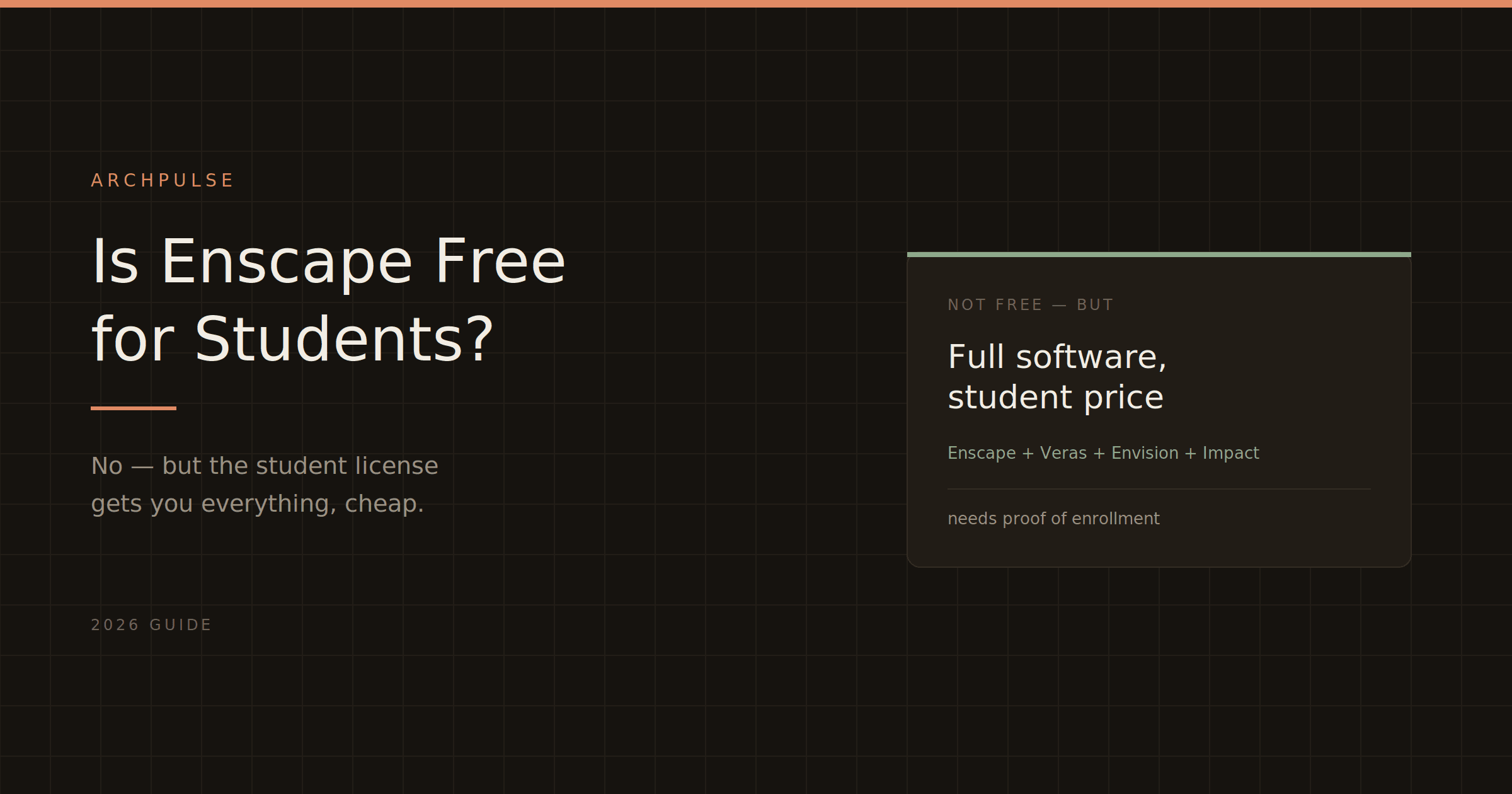
Enscape isn't free for students, but the education license gets you the full software plus all its AI tools for a fraction of the commercial price. Here's what's included and how to qualify.
Short answer to the question everyone's actually asking: no, Enscape is not free for students — but the student license is so heavily discounted that it's the next best thing. You get the full software, all its integrations, and the AI tools, for a small fraction of what a commercial license costs. If you're studying architecture or design, this is one of the genuinely good student deals in the industry.
Here's exactly what's included, who qualifies, and how to get it.
Chaos offers the Enscape Education Collection, and the important thing is that it's not a stripped-down student version — it's the full toolkit. It includes:
So students get real-time rendering, AI visualization, VR, and the Cosmos render-ready asset library — the same professional feature set practitioners pay full price for. That's the point of the deal: you learn on the actual industry-standard tool, not a limited version.
Correct — there's no free student tier, only a deeply discounted education license. The distinction matters because a lot of listings loosely say "free for students," and it isn't. What it is: a fraction of the commercial cost (which runs $575+/year), which for full professional software is a strong deal. If your budget is genuinely zero, see the free alternatives at the end.
You need to be a student enrolled at a degree-granting educational institution, studying architecture or design. To purchase, you'll need to present current academic proof — enrollment verification from your institution. Educators typically qualify too.
The verification is the gate: you confirm your enrollment status, and once verified you can buy the education license at the discounted rate.
The process is straightforward:
One thing students get caught on — Enscape needs a dedicated GPU with at least 4GB VRAM (8GB recommended), and it won't run on integrated graphics or Intel Macs. A lot of student laptops have integrated graphics only. Check Enscape's system requirements before you buy the license, because the license is useless if the hardware can't run it.
If even the discounted price is out of reach, or your laptop can't run Enscape, you have genuinely free options:
Twinmotion is free for individuals and small firms (under $1M revenue), runs on Mac and Windows, and produces excellent renders — the best free starting point. D5 Render has a free Community tier. Both are covered in our best AI rendering tools guide, along with the full comparison of what each free option can and can't do.
For learning, honestly, starting on free Twinmotion and moving to Enscape later (with the student discount while you still qualify) is a sensible path.
Check Enscape's system requirements before buying — the GPU is the common blocker. For the full pricing picture once you graduate out of student rates, see Enscape pricing explained.
Share this article
Enscape runs on Mac — but only on Apple Silicon, and only with certain apps. Here's exactly what works, what doesn't, and what to do if you're on an Intel Mac.
Enscape is a real-time rendering plugin that turns your Revit or SketchUp model into a photorealistic walkthrough — live, inside your design software. Here's what it does, who it's for, and how it compares.
Enscape's system requirements come down to one thing: your GPU. Here are the real minimum and recommended specs for 2026, what runs it, what won't, and the Mac situation.