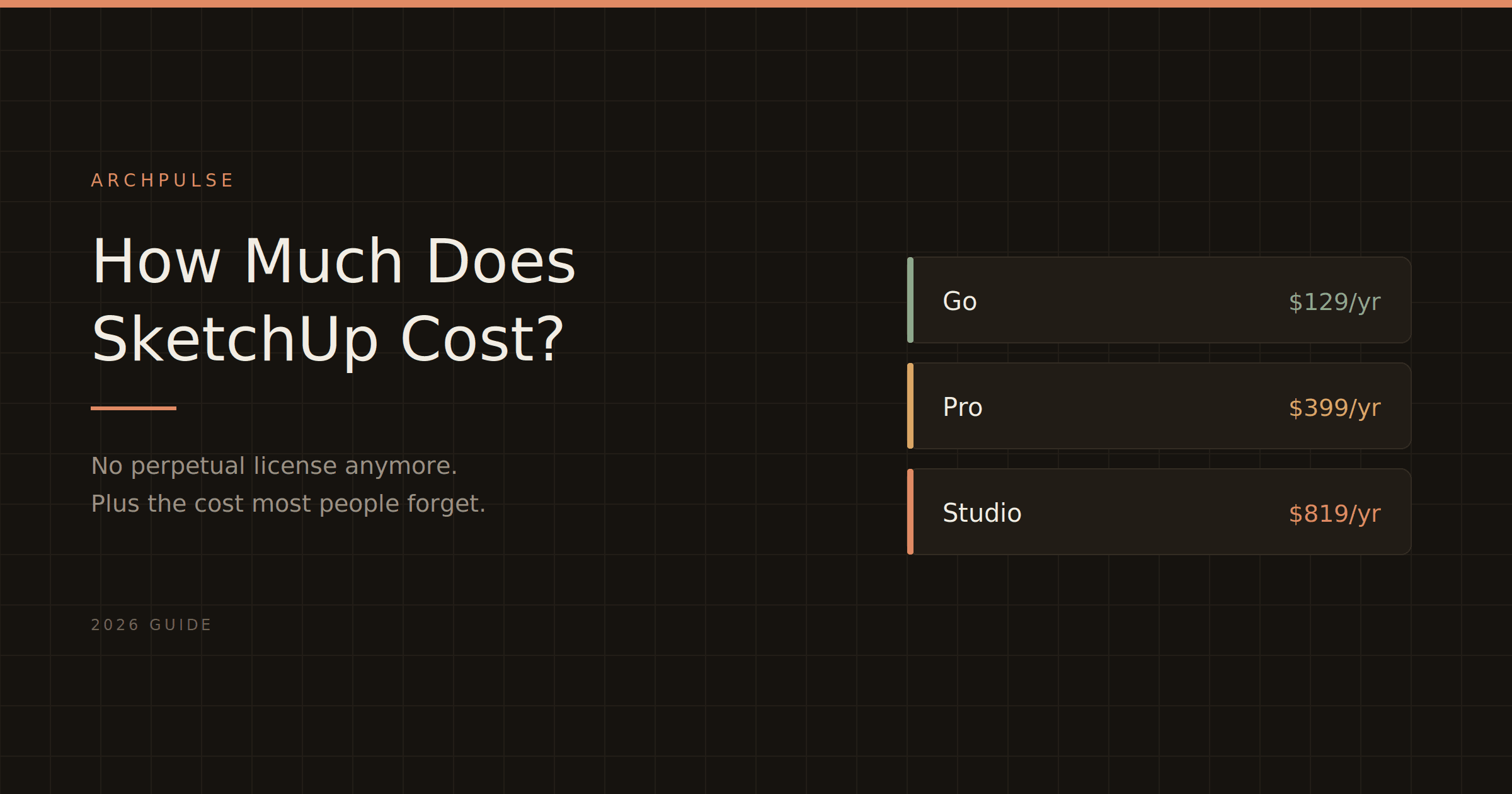
SketchUp costs $129 to $819 a year depending on the plan — but the subscription is only part of the bill. Here's the real 2026 pricing for Go, Pro, and Studio, plus the cost most people forget.
Quick answer: in 2026, SketchUp costs $129/year for Go, $399/year for Pro, or $819/year for Studio, billed annually per user. There's also a free web version, but it's non-commercial only. That's the headline — but which plan you actually need depends on whether you just model, also document, or need built-in rendering, and there's one cost nearly everyone forgets. Here's the full picture.
Trimble list prices in USD for 2026. Regional pricing (EUR/GBP) varies, and resellers in some markets run 5–15% below list — verify before buying.
Free is browser-only, personal-use-only. No desktop app, no LayOut, no commercial rights, and a cap on 3D Warehouse downloads. Fine for learning or a hobby project; using it for paid work is a license violation.
Go ($129/year) is the mobile tier — iPad and web, optimized for Apple Pencil and on-site sketching, with cloud storage via Trimble Connect. No desktop app and no LayOut, which makes it an awkward middle ground for professionals. Good for real-estate sketches and field work, not for a full design workflow.
Pro ($399/year) is the one most architects and designers actually use. Full desktop application, LayOut for 2D documentation, and access to thousands of extensions via the Extension Warehouse. If you use SketchUp for paid work, this is the floor — plugins like Enscape and V-Ray require Pro, and LayOut replaces AutoCAD for a lot of architects.
Studio ($819/year) adds a built-in photorealistic renderer, a Revit importer, and point-cloud tools. Worth it if you do regular Revit coordination or want rendering without a separate tool; overkill for most.
Here's the one that catches people out: only Studio includes a renderer. If you're on Go or Pro and you want photorealistic images, you need a separate rendering tool on top — Enscape ($575/year), D5 Render ($360/year), V-Ray (~$540/year), or a free option like Twinmotion. So the real cost of a rendering-capable SketchUp workflow on Pro is $399 plus a renderer, which can more than double the bill.
And if you add a GPU-heavy renderer, factor hardware too — a workstation that handles V-Ray or Enscape well runs $1,500–$3,000. See our best AI rendering tools guide for the full comparison of what pairs with SketchUp and at what price.
No. Trimble dropped perpetual licenses years ago — every plan is now a subscription. The old SketchUp Make 2017 desktop version is still downloadable and works, but it's no longer updated or supported by plugin developers. SketchUp Free (web) is genuinely free but non-commercial. There's a 7-day Pro free trial (requires payment info), and education licenses drop as low as ~$55/year for students and teachers.
At $399/year, Pro is one of the more affordable professional 3D modeling tools, and it's famously fast to learn. For architects and interior designers doing paid work, it pays for itself quickly — LayOut alone replaces separate 2D documentation software for many. The honest caveat is the rendering gap: budget for a renderer on top unless you go Studio, and check your hardware against SketchUp's system requirements before committing, because a rendering plugin changes what your machine needs.
Revit LT is the cheaper version, but 'cheaper' comes with real trade-offs. Here's exactly what you give up, who LT actually suits, and why it doesn't save you anything on hardware.
Revit's shortcuts are two-letter codes you type without even pressing Enter, and learning the common ones is the fastest way to speed up. Here's the cheat sheet, grouped by task, plus how to make your own.
Autodesk's minimum specs will technically open Revit and then make you miserable. Here's what actually runs it well in 2026, the simple RAM rule that saves you, and why Revit still doesn't run on a Mac.