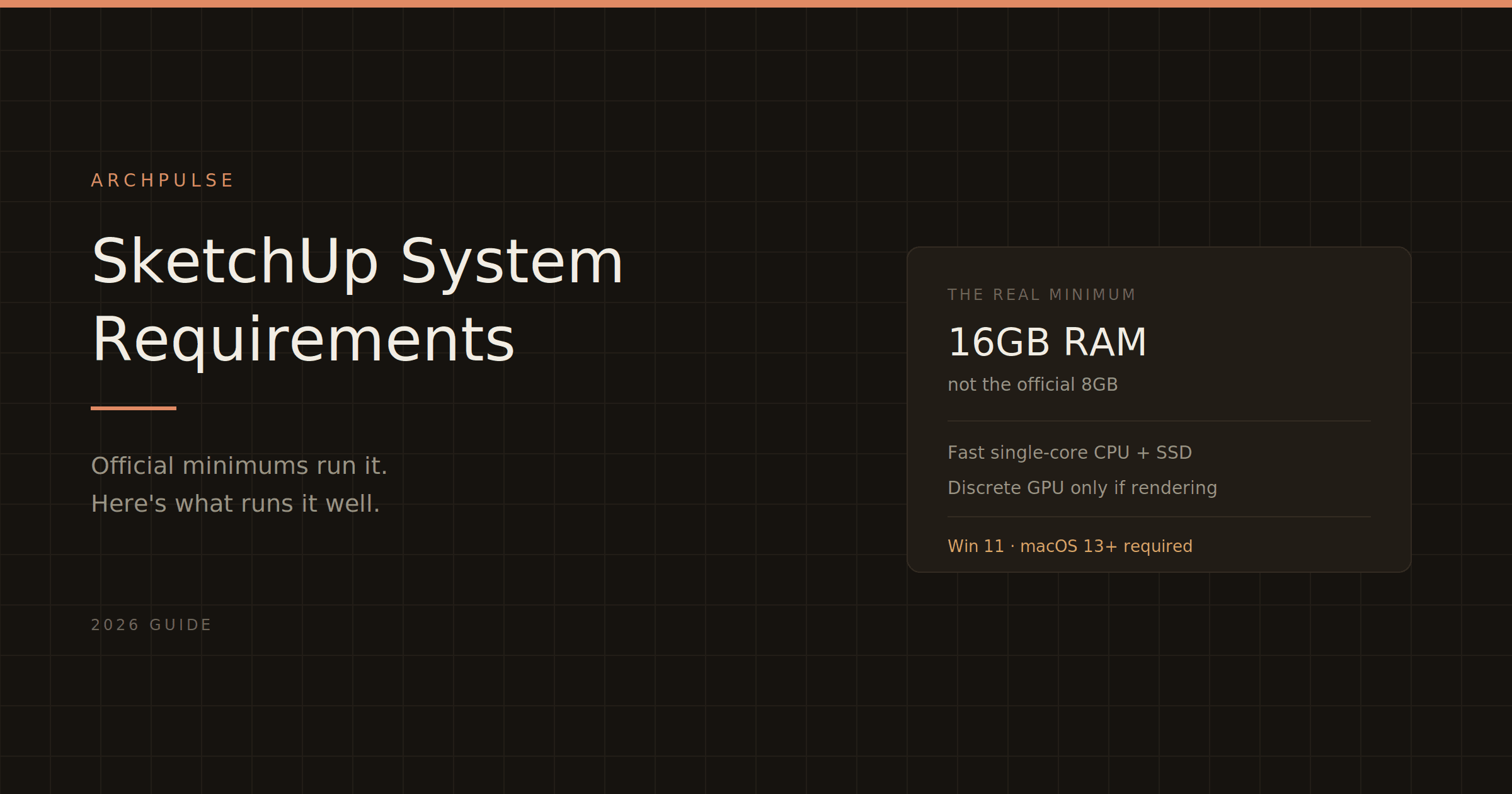
SketchUp System Requirements (2026): What You Actually Need
SketchUp's official minimums will technically run it — and leave you frustrated. Here are the real 2026 requirements for smooth work, the big Windows 10 and macOS changes, and what actually affects speed.
ArchPulse6 min readUpdated August 5, 2026
#sketchup#sketchup system requirements#3d modeling software#workstation#architecture software
The short version: for smooth SketchUp work in 2026, get a CPU with strong single-core performance, 16 GB of RAM, an SSD, and — if you plan to render — a discrete GPU with 8 GB of VRAM. On Mac, any Apple Silicon machine (M1–M4) with 16 GB of unified memory handles it well. Trimble publishes lower minimums, but "runs" and "runs well" are different things. Here's what actually matters, plus two 2026 OS changes that might affect you.
Before specs, two things changed in 2026 that catch people out:
SketchUp 2026.1 dropped Windows 10 support. You need Windows 11. If you're still on Windows 10, that's the first blocker.
SketchUp 2026 requires macOS 13 or newer. It's not compatible with anything older, and macOS 26 (Tahoe) is supported. If you're on an older Mac OS, upgrade first.
CPU: single-core speed beats core count. This is the one people get wrong. Most SketchUp modeling operations rely on single-core performance, so a high clock speed matters far more than a high core count. Don't overspend on a many-core CPU for SketchUp alone — put that budget into clock speed and RAM.
RAM: 16 GB is the real minimum. The official 8 GB will run SketchUp, but on anything beyond basic models it swaps to disk and slows to a crawl. 16 GB is the practical floor for professional work; 32 GB if you run rendering plugins or dense scenes. RAM is one of the cheapest upgrades in computing — this is not the place to save money.
GPU: SketchUp itself is gentle; rendering isn't. For plain modeling, SketchUp is not GPU-hungry — a modest discrete card is plenty, and it needs OpenGL 3.1 support. But the moment you add a rendering plugin like Enscape, V-Ray, or Lumion, the GPU becomes critical: aim for a discrete NVIDIA card with 8 GB of VRAM. Note SketchUp's newer graphics engine (2024+) has higher requirements; if your machine doesn't meet them, it falls back to the Classic engine and disables PBR materials and enhanced lighting.
Storage: use an SSD. Loading large models from a traditional hard drive is painfully slow. An SSD (ideally NVMe) is one of the highest-impact upgrades for SketchUp responsiveness.
If you're speccing a machine for SketchUp in 2026: prioritize a fast single-core CPU and 16 GB of RAM (32 GB if rendering), put your storage budget into an SSD, and only spend heavily on the GPU if you'll run a rendering plugin. On Mac, an Apple Silicon machine with 16 GB is an excellent, low-fuss choice. Then confirm what the software costs — see how much SketchUp costs.
Revit LT is the cheaper version, but 'cheaper' comes with real trade-offs. Here's exactly what you give up, who LT actually suits, and why it doesn't save you anything on hardware.
Revit's shortcuts are two-letter codes you type without even pressing Enter, and learning the common ones is the fastest way to speed up. Here's the cheat sheet, grouped by task, plus how to make your own.
Autodesk's minimum specs will technically open Revit and then make you miserable. Here's what actually runs it well in 2026, the simple RAM rule that saves you, and why Revit still doesn't run on a Mac.